July 9, 2026
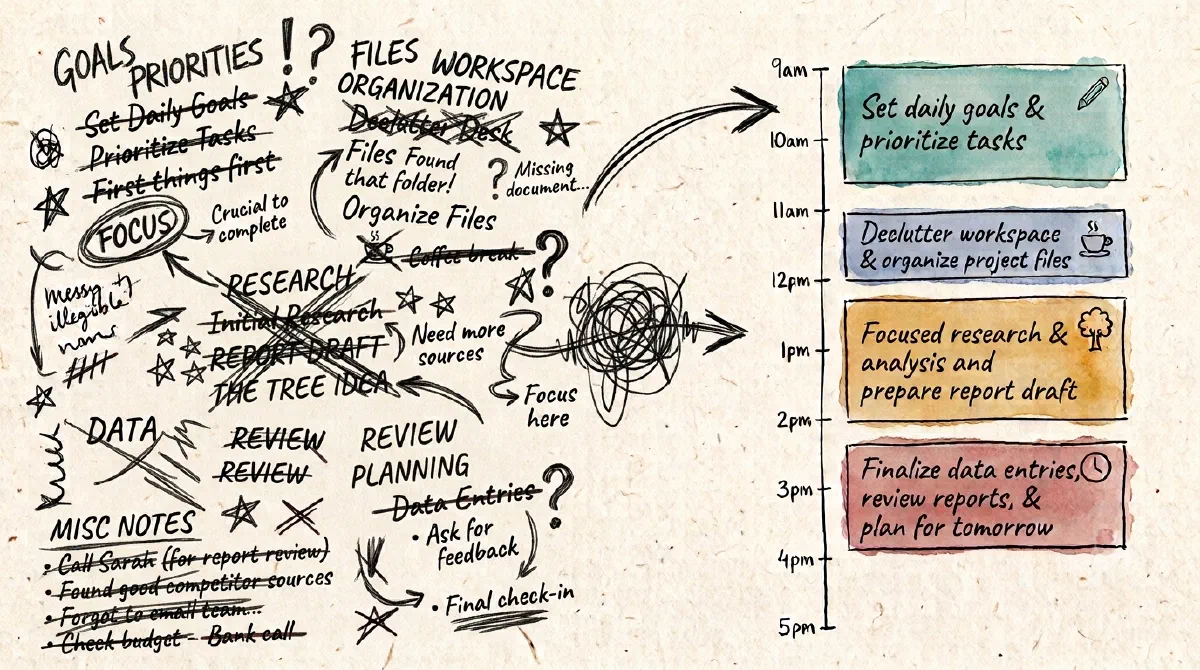
Your to-do list looks manageable. It isn't. Tasks hide how long they really take. Time Blokker gives every task a duration and stacks them in your day, so you see what fits before you start.


Available for iOS and Android.
Three moves you'll make every day. Watch the plan keep up.
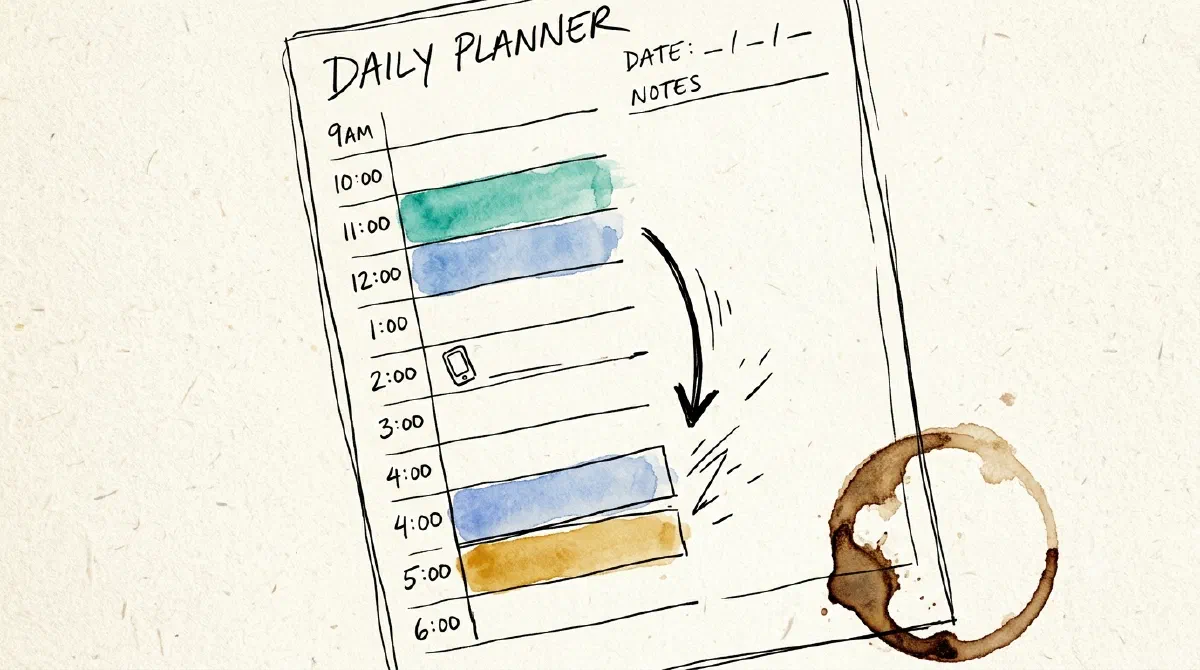
Drag a task to a new time and everything else slides into place around your fixed events. No untangling, no rebuilding the day by hand.
Tap to stretch a task and the rest of your day realigns on its own. Your plan keeps up with reality instead of falling apart the moment it slips.
Swipe to duplicate, recolor or delete. Move and resize with a flick. Planning feels less like admin and more like instinct.
They fail because they can't adapt. Here's how fast a normal day unravels:
A flat checklist can't absorb that. Time Blokker can.
Small mechanics, a big shift in how the day feels.
A task running long used to cascade into a write-off. Now you adjust in two seconds and keep going, so you finish what you set out to do.
Every task carries its real duration, so an over-packed day looks over-packed before you've committed to it. You see what actually fits.
Every task carries a real duration, so you see how much of your day it actually takes. When the day is full, deciding what to drop takes a single glance.
No subscription. No account. Just the tools.
Move tasks, everything slides into place.
Tap to stretch or shrink any task.
Events on your timeline, tasks to your calendar.
Your schedule on every iPhone and iPad.
Current task on lock screen with countdown.
Duplicate, recolor, delete with a flick.
Easy on the eyes, day or night.
Real reviews from people who plan with Time Blokker.
"This app is so easy to use — simple, clear, and to the point. It has helped my mind be calm and clutter-free. Life changing, really."
"Way more responsive than the To Do app of Microsoft. Looking forward to future enhancements."
"My days are more manageable with this app, thank you!"
No login to create. No subscription draining your card every month. Pay one time and Time Blokker is yours. Your tasks live on your device, where we don't see them and don't track them.
Pay once. No subscription, ever.
Open the app and start planning.
Your tasks live on your device. iCloud sync is opt-in and runs through Apple's CloudKit - encrypted, private, and we can't see your data.
Thinking out loud about time blocking, planning, and building the app.
When you finish what you actually planned to do, something changes. You trust the next day's plan a little more. Download Time Blokker on iOS or Android.